Learn how to match Redmi A3 firmware by model, product, region, build, and boot state, then diagnose dm-verity errors without risking another bad flash.
Read More »How to Match Redmi A3 Firmware and Diagnose dm-verity Errors

Learn how to match Redmi A3 firmware by model, product, region, build, and boot state, then diagnose dm-verity errors without risking another bad flash.
Read More »
Install Kali NetHunter Rootless on a stock Android phone, understand its limits, and fix common Termux repository and proot mistakes safely.
Read More »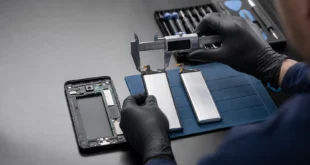
Check Samsung Galaxy A5 2015 battery compatibility by model and battery code, and avoid unsafe substitutions based only on voltage or capacity.
Read More »
Learn what can recover photos from a broken Android phone, why a forgotten PIN blocks local data, and which repair, backup, and account-recovery paths are safe.
Read More »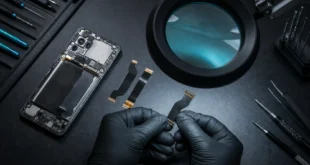
Identify an Android phone and replacement flex cable using model numbers, board markings, connector layout, region, and seller evidence before ordering parts.
Read More »
Learn how caller ID apps get names and spam labels, why identification can be wrong, and which permissions and privacy terms to review before installing one.
Read More »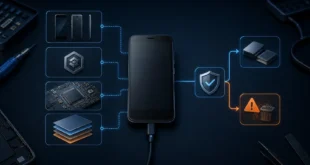
Use the product name, device codename, build fingerprint and SoC to identify an older Xiaomi phone safely, then prepare for a factory reset.
Read More »
Diagnose a Redmi Note 10 Pro stuck at the MI logo, match the exact ROM and region, understand a locked bootloader, and choose a safe recovery path.
Read More »
Connect to Android with wireless ADB and pull files to Windows safely, including pairing, authorization, commands, and common fixes.
Read More »
Use Wi-Fi Direct concepts to transfer files between Android and Windows, with practical notes about compatibility, speed, and security.
Read More »
Fix Android USB tethering on Windows with practical checks for USB modes, drivers, network adapters, mobile data, and cable problems.
Read More »
Use Android split-screen mode for two apps at once, resize the layout, switch applications, and solve common compatibility problems.
Read More »